
How to Register for the Apple Developer Program as an Organization
OBJECTIVES
Register for the Apple Developer Program as an organization to publish your app to the App Store.
NOTE
To enroll in the Apple Developer Program as an organization, your Apple ID must be associated with an email address using your organization’s domain name.
STEP 1 - Apple ID
If you don’t have an Apple ID go to Step 2.
If you already have an Apple ID, go to Step 3.
STEP 2 - Create your Apple ID
Go the the Apple ID creation page.
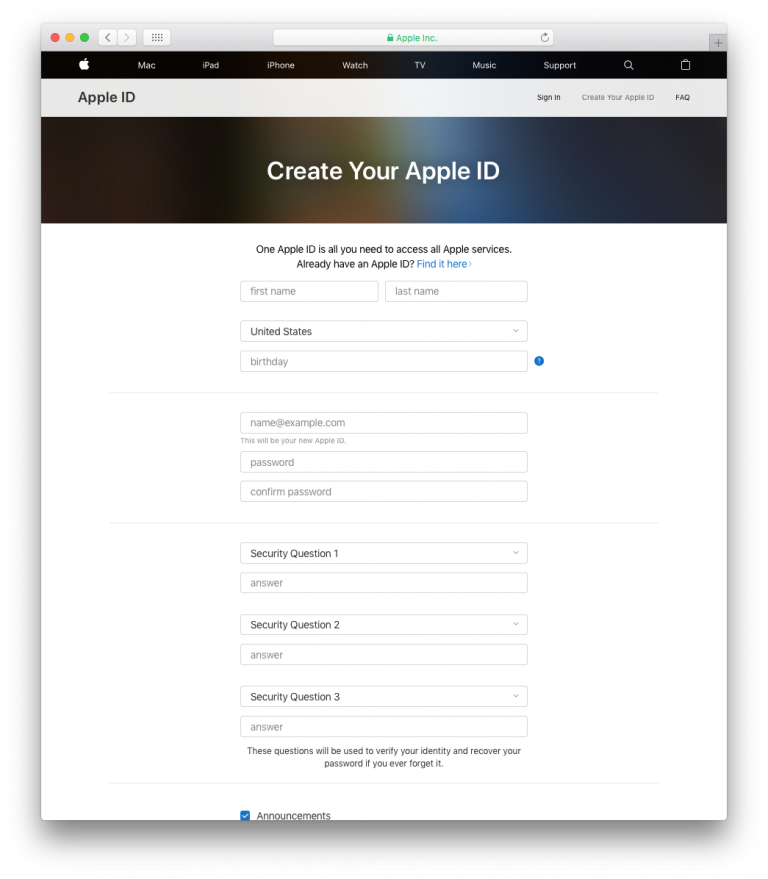
- Fill out the required form and answer the security questions.
- A verification code will be sent to your email.
- Enter the code to confirm and activate your account.
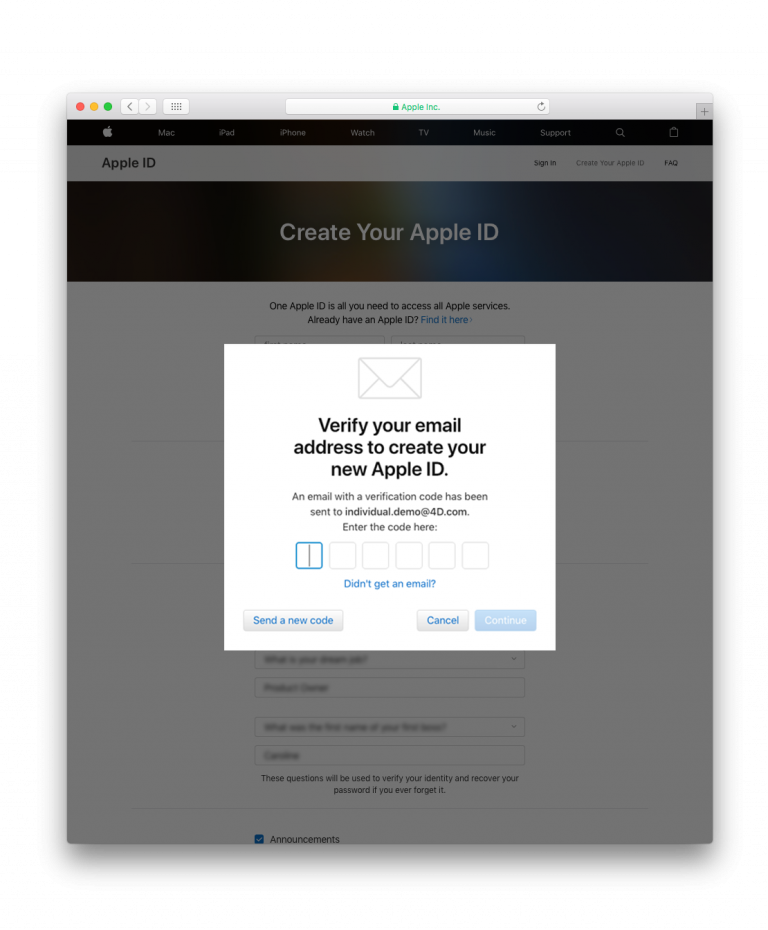
- Once you have your Apple ID, you can continue to Step 3.
STEP 3 - D-U-N-S Number
- If you don’t have a D-U-N-S Number, go to Step 4.
- If you already have a D-U-N-S Number, go to Step 5.
STEP 4 - Request a D-U-N-S Number
Request a D-U-N-S Number here
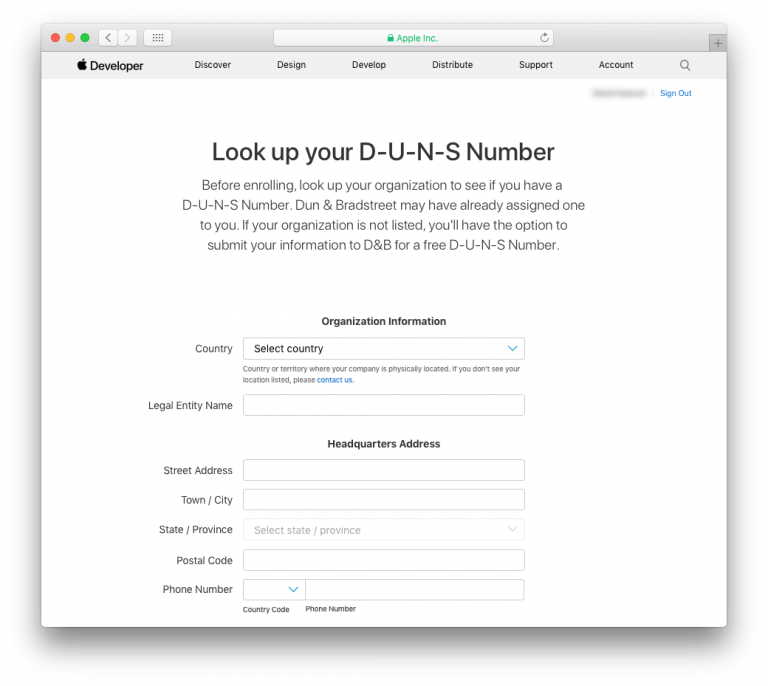
- Complete the form.
- Click Continue.
- Check your email for the D-U-N-S Number.
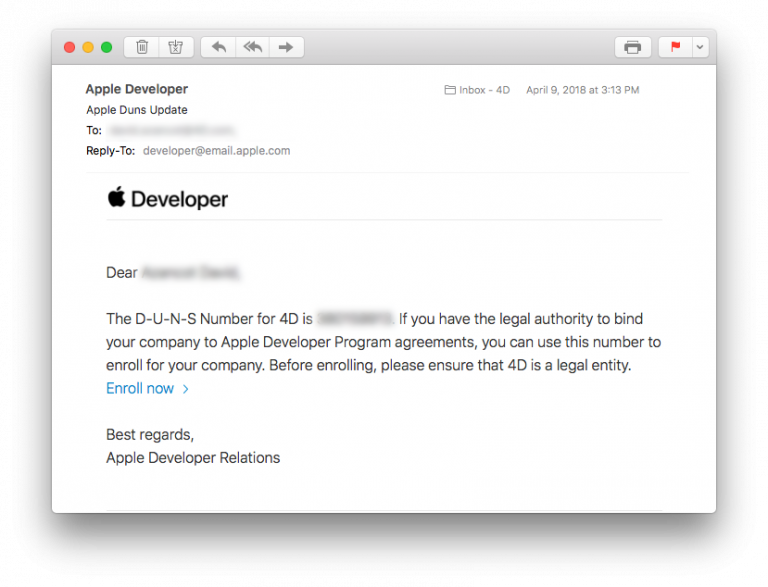
STEP 5 - Register as a developer
You can register as a developer here.
- Click on the Start your Enrollment button.
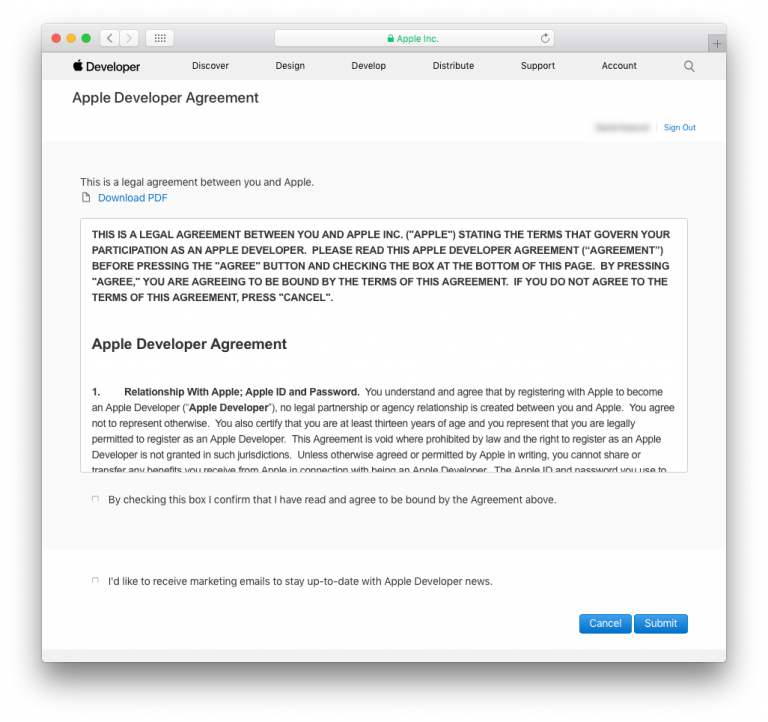
- Read and accept the Apple Developer Agreement.
- Click Submit.
STEP 6 - Join the Apple Developer Program
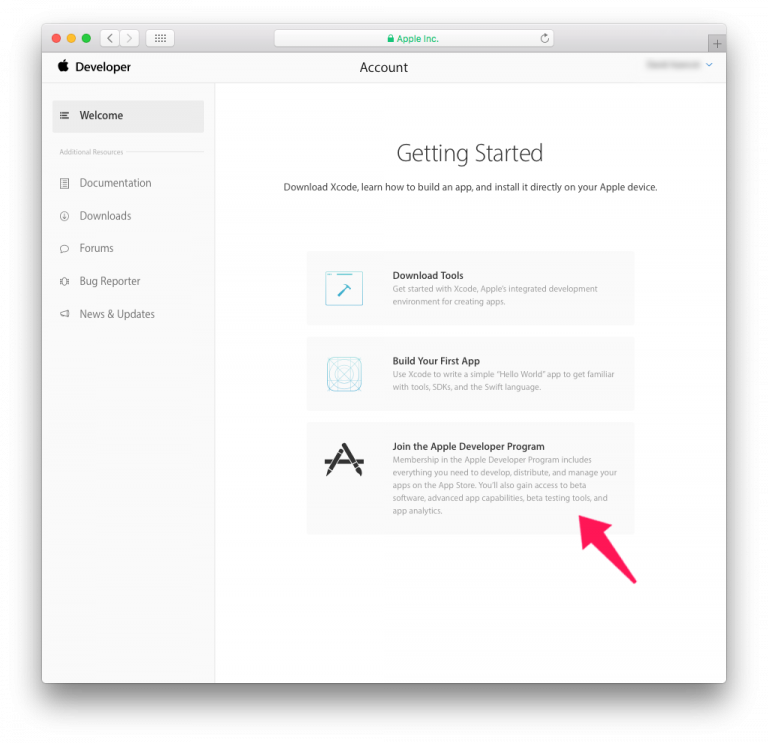
- You can sign up for the Apple Developer Program here.
STEP 7 - Enroll as an organization
- Click on the Start your Enrollment button.
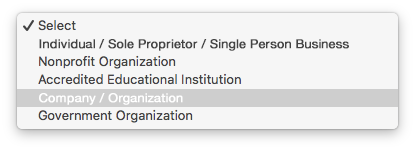
- Select Company / Organization from the Entity Type dropdown list.
- Click Continue.
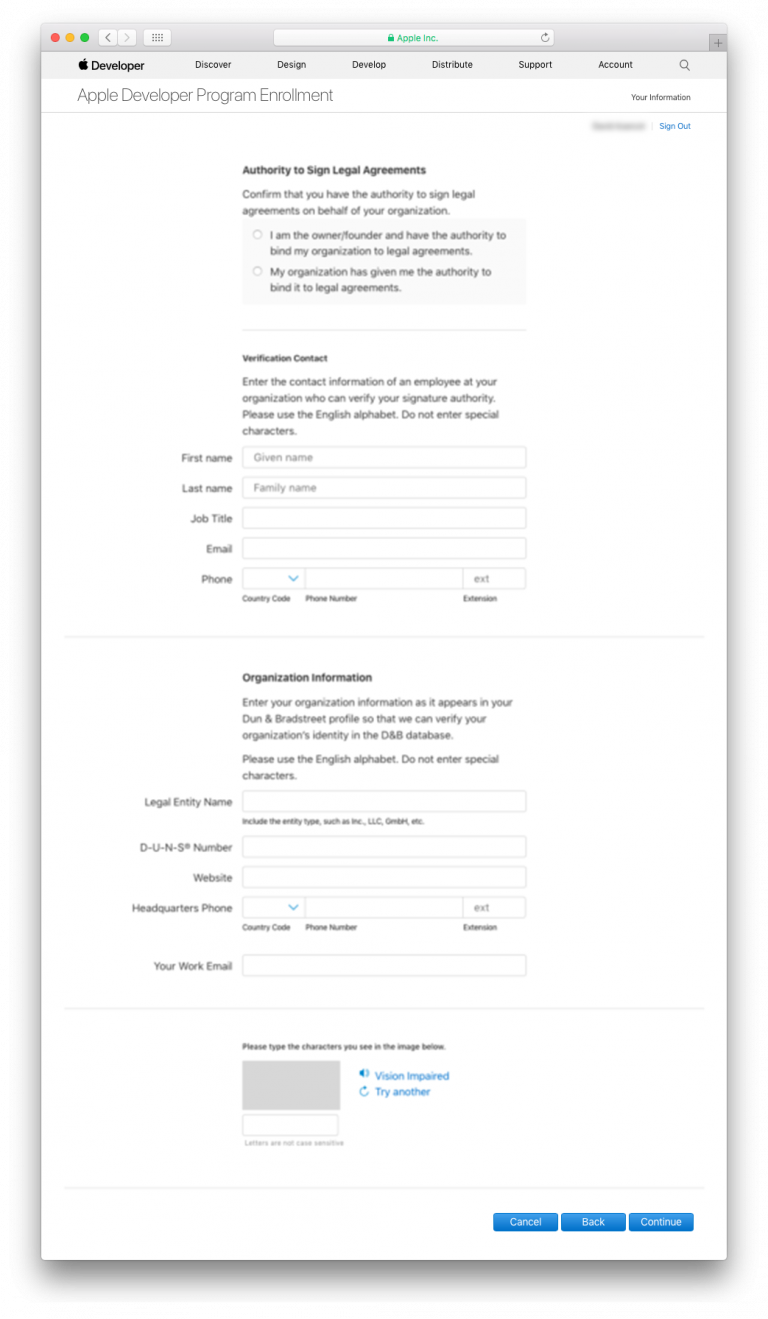
- Complete the form.
- Click Continue.
- Verification Process: Apple typically takes up to six business days to verify your organization's authority to join the Apple Developer Program.
- Contact Confirmation: Apple may call to confirm the identity of the main contact who initiated the registration for the Apple Developer Enterprise Program.
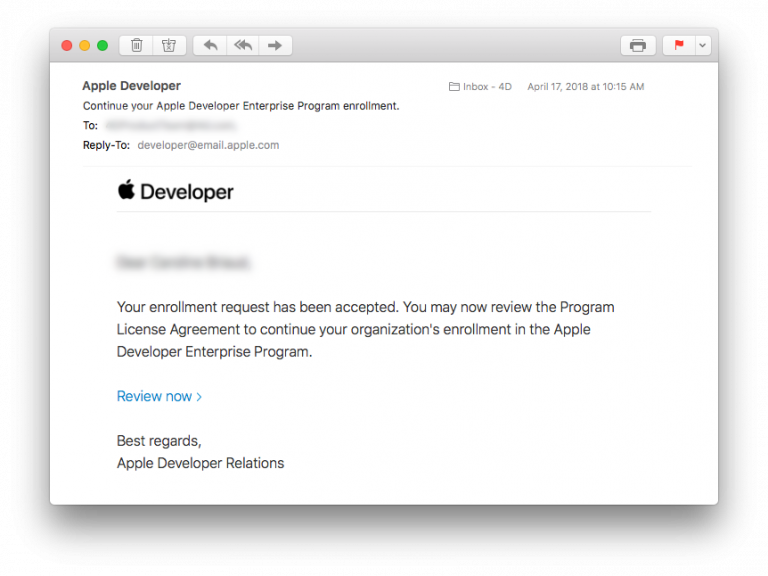
- Enrollment Completion: Once verification is done, you will receive an email inviting you to complete the final steps of the enrollment process.
STEP 8 - Complete your purchase
- Once your enrollment request has been accepted, you can then proceed to payment.
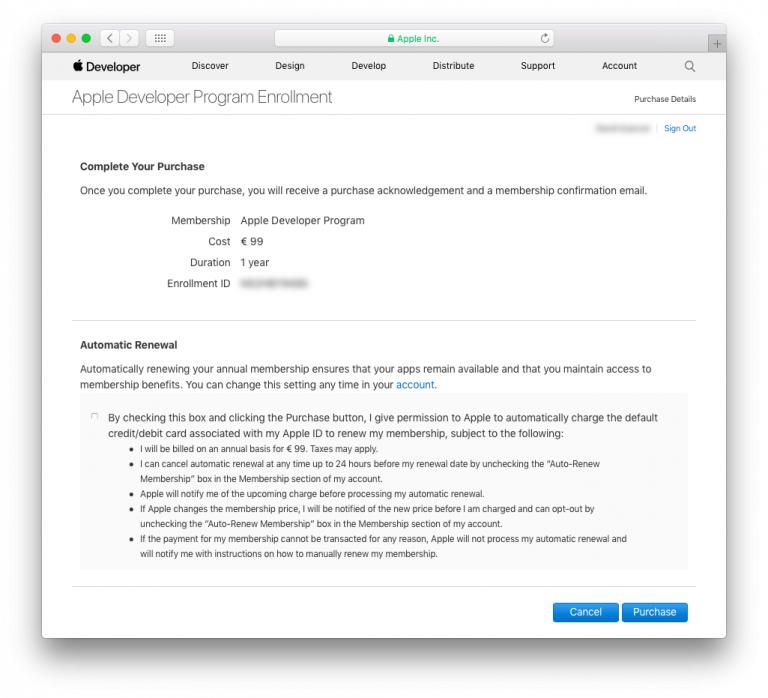
- When you have completed your purchase, you'll receive an email confirming your membership in the program.
Congratulations! You are now ready to publish applications to the App Store!