Log in and sign up
AllRide offers a centralized platform for managing transportation businesses, facilitating control over customers, agents, fleets, deliveries, and operations. The process to access and manage your business through AllRide involves a sign-in or sign-up sequence, leading to the dispatch panel where various business operations can be monitored and managed.
Signing In:
Step 2: Enter your registered email address and password.
Step 3: If you’ve forgotten your password, use the ‘Forgot Password’ link to reset it.
Step 4: Click ‘Sign In’ to access your dispatch panel.

Signing Up:
Step 1: From the AllRide homepage, select ‘Sign Up here’ if you don't have an account.
Step 2: Choose the AllRide product relevant to your business (e.g., AllRide Cab, AllRide Bus).
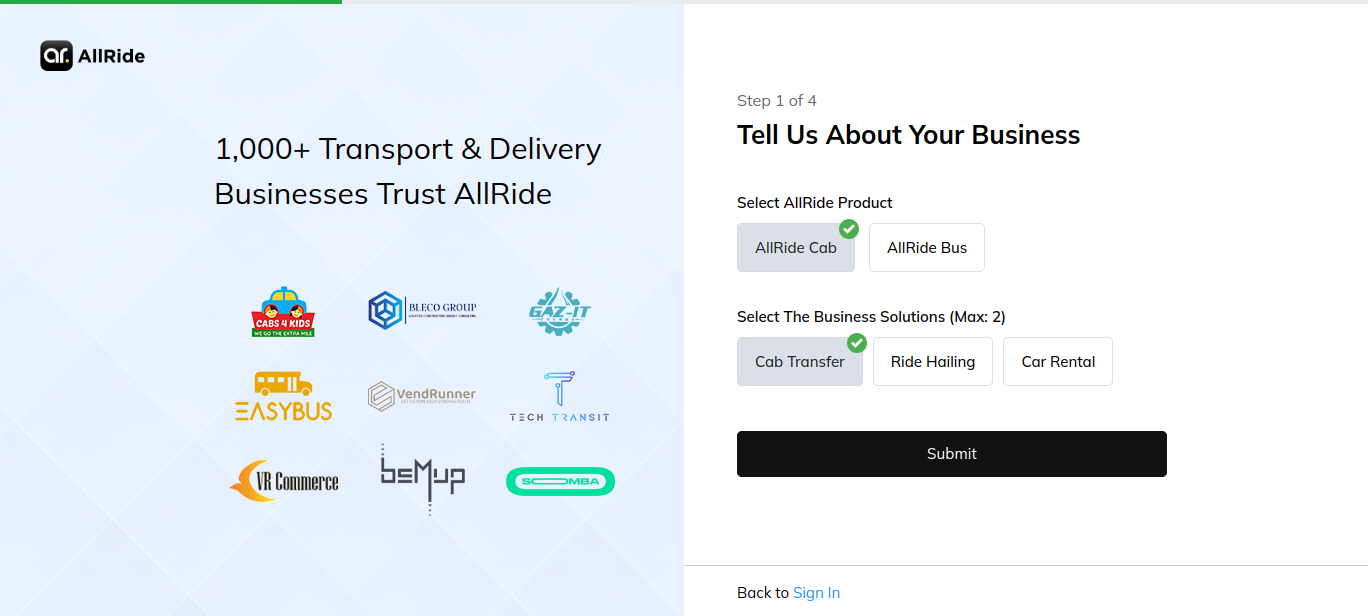
Step 3: Select your preferred business solutions that apply to your operations, such as Cab Transfer, Ride-Hailing, or Car Rental.
Step 4: Provide your work email to start the signup process.

Account Creation Process:
Email Verification: After providing your email, check your inbox for a verification link from AllRide and click it to verify your email address.
Account Security: AllRide emphasizes account security during the sign-up process, ensuring your business data remains protected.
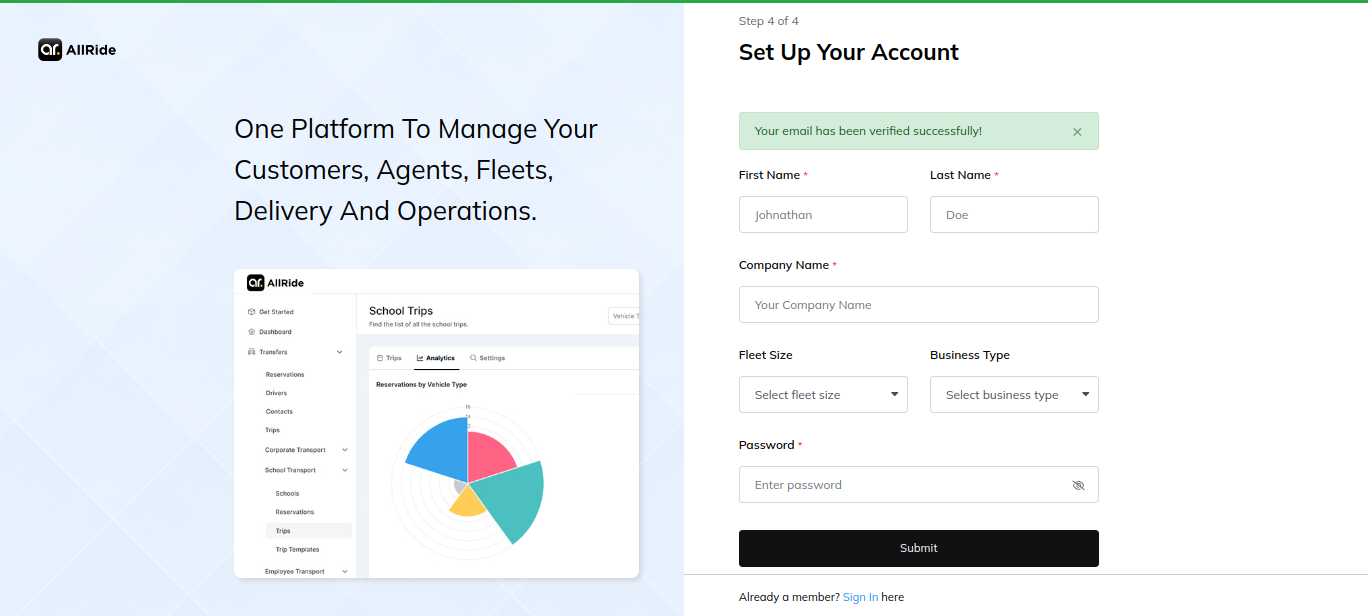
Account Setup: Complete the setup by entering details such as first and last name, company name, fleet size, business type, and a secure password.
Submit: Finalize the account creation by submitting the form. You’ll gain access to a 15-day free trial with full access and support, with no credit card required for this initial period.